
10 Best AI Video Generators in 2026 (Ranked & Reviewed)
Transparency Note: Some links in this article are affiliate links. If you click through and make a purchase, I may earn a small commission at no extra cost to you. My reviews are always based on real analysis and market research.
Let’s face it: Video marketing is essential in 2026, but traditional production is a nightmare.
Hiring actors, renting studios, setting up lighting, and editing for hours? That is the old way. It is expensive, slow, and impossible to scale.
Enter AI Video Generators.
Imagine creating a Hollywood-quality video with a realistic human presenter in just 5 minutes, simply by typing a script. No cameras. No microphones. No scheduling conflicts.
But with hundreds of AI tools popping up every day, which ones are actually good? And which ones are just robotic gimmicks?
To save you time and money, I tested 30+ of the most popular AI video tools on the market. I evaluated them on avatar realism, lip-sync accuracy, voice quality, and pricing.
Here is my ultimate list of the best AI video generators to help you scale your content creation today.
🏆 Quick Comparison: Our Top 3 Picks
If you are in a rush, here are the top 3 tools that outperformed the rest in our testing.
| Rank | Tool Name | Best For | Rating | Try |
| #1 | HeyGen | Best Overall (Most Realistic) | ⭐⭐⭐⭐⭐ (5.0) | Try For Free |
| #2 | MakeUGC | Best For Ads (Dropshipping) | ⭐⭐⭐⭐½ (4.8) | Get Started |
| #3 | Pictory | Best Automation (YouTube) | ⭐⭐⭐⭐½ (4.7) | Visit Site |
What Are the Best AI Video Generators?
Here is my ranked list of the top 10 AI video tools for 2026.
1. HeyGen (Best Overall Realism)
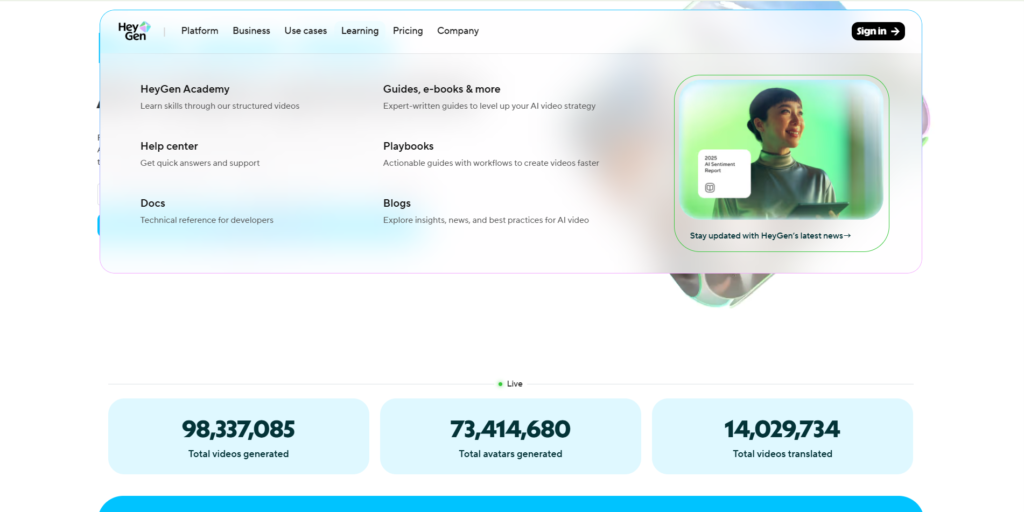
If you are looking for the “Rolls Royce” of AI video generation, HeyGen is currently the undisputed king.
While many tools struggle with robotic movements and “dead eyes,” HeyGen has cracked the code. Their avatars are so hyper-realistic that it is genuinely difficult to tell them apart from real humans. They blink, nod, and move their heads naturally while speaking.
This is the tool used by major tech companies and industry leaders to scale their personal branding without spending their entire life in front of a camera.
Key Features
-
Instant Avatar: This is the killer feature. You can record yourself for just 2 minutes using your webcam, and HeyGen creates a digital twin of you. You never have to film yourself again.
-
Video Translate: Upload a video in English, and HeyGen will translate it into Spanish, German, or Japanese. The crazy part? It adjusts your lip movements to match the new language perfectly.
-
Photo Avatar: You can upload a static photo (like the Mona Lisa or your own mascot) and make it talk with animation.
Who Is It For?
-
Founders & CEOs: Clone yourself to make daily social media updates.
-
Sales Teams: Send personalized video emails to thousands of leads.
-
L&D Departments: Create corporate training videos that employees actually want to watch.
Pros & Cons
-
✅ Unmatched Realism: 4K quality avatars that pass the “human test.”
-
✅ Diverse Library: Over 100+ stock avatars of different ethnicities and ages.
-
✅ Easy Interface: Drag-and-drop editor similar to Canva.
-
❌ Premium Pricing: It is not the cheapest option on the market, but you pay for quality.
-
❌ Credit Limits: The lower-tier plans have strict limits on video duration.
Pricing
HeyGen offers a Free Trial (no credit card required) so you can test the technology. Paid plans start around $29/month for the Creator tier.
My Verdict
If quality is your #1 priority and you need a video presenter that builds trust, HeyGen is the winner. It is the closest thing to magic we have in 2026.
CLICK HERE TO TRY HEYGEN FOR FREE
2. MakeUGC (Best for Dropshipping & Ads)
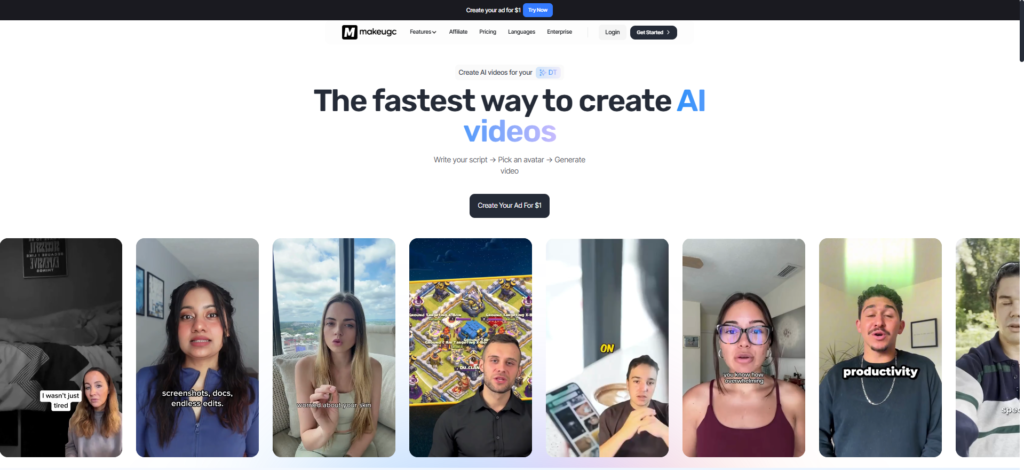
If your primary goal is to sell products on TikTok, Instagram Reels, or Facebook, you don’t need a corporate avatar like HeyGen. You need MakeUGC.
This platform is laser-focused on one thing: Creating viral User-Generated Content (UGC) ads without hiring creators.
As I mentioned in my full breakdown of this tool, MakeUGC solves the biggest headache for dropshippers: getting video creatives fast. Instead of shipping your product to an influencer and waiting 2 weeks, you can generate a realistic “reaction video” in 5 minutes.
Key Features
-
Green Screen Mode: This is a game-changer. You can upload existing footage of your product (from a supplier or screen recording), and the AI avatar will be superimposed on top, talking about the product enthusiastically.
-
Viral-Ready Avatars: The avatars here are dressed casually and styled specifically to look like “real people” on social media, not news anchors.
-
Unlimited Variations: Testing ad angles is key to profitability. With MakeUGC, you can take one script and generate 10 different videos with 10 different faces instantly.
Pros & Cons
-
✅ Cost-Effective: A fraction of the price of hiring human creators.
-
✅ High ROI: Designed specifically to stop the scroll and drive clicks.
-
❌ Niche Focus: It is excellent for ads, but I wouldn’t use it for a serious company roadmap presentation.
My Verdict
For e-commerce owners and media buyers, this is a “must-have” tool in your arsenal.
> Want to see ad examples? Read my in-depth [MakeUGC Review] for a full analysis of how it works.
3. Pictory (Best for YouTube Automation)
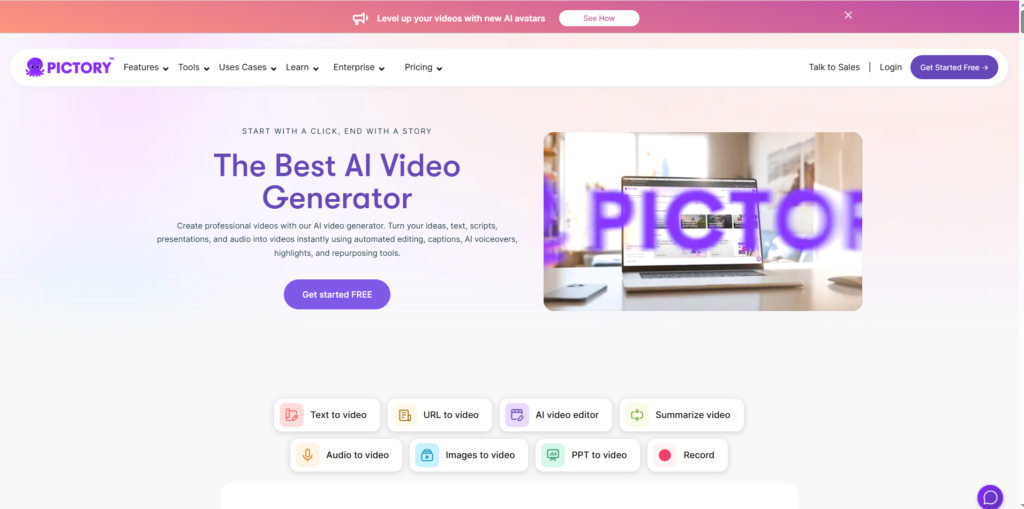
If you have ever wanted to start a “Faceless” YouTube channel (where you don’t show your face), Pictory is the industry standard.
Pictory uses AI to automatically convert long-form content (like blog posts or scripts) into short, engaging videos. It scans your text, finds relevant stock footage from Storyblocks/Getty Images, and stitches them together perfectly.
Key Features
-
Script to Video: Paste your script, and Pictory’s AI builds the entire video for you in seconds. It selects the clips, adds the music, and even applies AI voiceovers.
-
Auto-Captioning: It automatically adds those trendy, colorful captions you see on TikTok and Shorts. This alone saves hours of manual editing.
-
Blog to Video: Have a WordPress blog? Paste the URL, and Pictory turns your article into a video summary to drive traffic from YouTube.
Pros & Cons
-
✅ Massive Stock Library: You get access to millions of premium stock clips without paying extra.
-
✅ Beginner Friendly: No video editing skills required.
-
❌ AI Voices: While good, some standard voices can sound a bit robotic. I recommend pairing Pictory with Murf.ai (Rank #5) for the best audio quality.
My Verdict
Pictory is a productivity beast. If you are a content marketer or a YouTuber looking to scale production, this tool will save you hundreds of hours.
4. InVideo AI (Best Text-to-Video Storytelling)
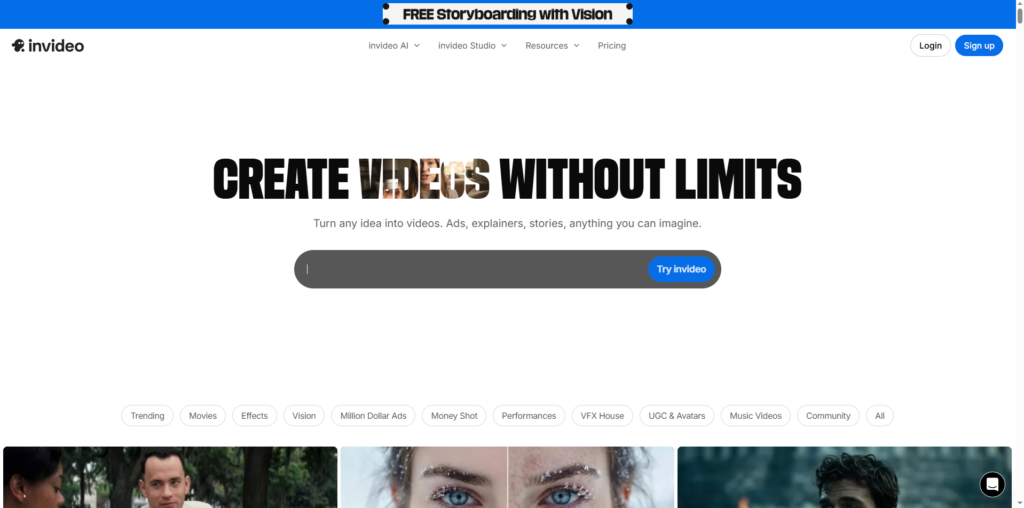
InVideo AI feels like “ChatGPT for video.”
While Pictory is great for matching stock footage, InVideo AI takes it a step further by generating entire documentaries and stories from a single prompt.
You literally type: “Create a 5-minute video about the history of Bitcoin in a dramatic tone for YouTube,” and InVideo does the rest. It writes the script, generates the voiceover, selects the clips, and edits the transitions.
Key Features
-
Generative Video: You act as the director. You can give commands like “Change the tone to be more humorous” or “Delete the second scene,” and the AI edits it instantly.
-
Human-sounding Voiceovers: Their proprietary AI voices are incredibly emotive and perfect for storytelling channels.
-
YouTube Optimization: It automatically suggests titles and descriptions for your video.
Pros & Cons
-
✅ The Ultimate Time Saver: Creates a finished product from just one sentence.
-
✅ Great Mobile App: You can even edit videos on your phone.
-
❌ Stock Footage Dependence: Like Pictory, it relies on stock footage, so it may struggle with very specific, abstract concepts.
My Verdict
If you want to create “explainer” style videos or documentary channels on YouTube without writing a script yourself, InVideo AI is the best tool available.
5. Murf.ai (Best for AI Voiceovers)
Technically, Murf.ai is a voice generator, but no AI video toolkit is complete without it. Most video generators have decent voices, but Murf offers studio-quality audio that sounds indistinguishable from a professional voice actor.
-
Why use it: If you are using stock footage tools like Pictory, pairing them with a Murf voiceover upgrades your production value instantly.
-
Key Feature: You can sync the voiceover directly to your video/images inside their dashboard.
-
Best For: Podcasts, Audiobooks, and High-end explainer videos.
6. OpusClip (Best for Repurposing Content)
If you are a podcaster or a YouTuber with long videos, OpusClip is a miracle worker.
Instead of spending hours re-watching your 60-minute interview to find good clips, you upload the link to OpusClip. The AI analyzes the video, identifies the most “viral” moments, and cuts them into 10 vertical short videos (Shorts/Reels/TikToks) automatically.
-
Key Feature: “AI Virality Score” – it tells you which clip has the highest chance of going viral.
-
Best For: Podcasters, Streamers, and Agencies.
7. Synthesia (Best for Enterprise)
Synthesia is the original pioneer of AI avatars. While HeyGen has overtaken them in terms of raw realism for social media, Synthesia remains the top choice for large enterprises.
-
Why use it: It focuses heavily on security (SOC 2 Type II compliant) and collaboration features for big teams.
-
Key Feature: Massive library of avatars dressed in corporate attire, perfect for internal training and Learning & Development (L&D).
-
Best For: Fortune 500 companies and large HR departments.
8. Descript (Best for Video Editing)
Descript changes the way you edit video. Instead of cutting clips on a timeline, it transcribes your video into text. To edit the video, you simply delete words in the document, and the video cuts automatically.
-
Key Feature: Overdub. You can fix audio mistakes by typing new words, and the AI will generate your voice to say them.
-
Best For: Vloggers, Podcasters, and Content Creators who hate complex editing software.
9. Rask.ai (Best for Localization)
Want to be the next MrBeast? Rask.ai allows you to dub your videos into 60+ languages.
But it doesn’t just dub the audio; it uses AI Lip-Sync to change the mouth movements of the speaker to match the new language. This allows you to monetize the same video in markets like Brazil, Japan, and Germany.
-
Best For: YouTubers looking to expand globally.
10. Veed.io (Best Online Editor)
Think of Veed.io as the “Canva of Video.” It is a browser-based editor that is incredibly easy to use. It comes with AI tools like background noise removal, eye-contact correction, and auto-subtitles.
-
Best For: Beginners and Social Media Managers who need quick edits.
🎓 Buying Guide: How to Choose the Right Tool?
Still undecided? Here is a quick cheat sheet to help you pick the perfect tool for your specific needs.
1. For Maximum Realism (The “Wow” Factor)
If you need an avatar that looks 99% human to build a personal brand or replace a CEO, HeyGen is the clear winner. The lip-sync and facial micro-expressions are currently unmatched.
2. For Selling Products (Dropshipping/Ads)
Don’t overspend on enterprise tools. If you need quick, catchy ads for TikTok or Facebook to drive sales, MakeUGC is built specifically for this. It’s cheaper, faster, and optimized for conversions.
3. For “Faceless” Channels (YouTube Automation)
If you don’t want to appear on camera at all and just want to turn scripts into revenue, Pictory or InVideo AI are your best bets. They handle the visuals so you can focus on the writing.
Final Verdict: Which One Should You Buy?
We have tested them all, and here are our final recommendations for 2026:
-
🏆 Overall Best AI Generator: [HeyGen] (Best for quality and realism).
-
🚀 Best for Viral Ads: [MakeUGC] (Best for dropshippers).
-
🤖 Best for Automation: [Pictory] (Best for YouTubers).
The future of content creation is here. Stop wasting time with traditional production and start scaling your output with AI today.
1 thought on “10 Best AI Video Generators in 2026 (Ranked & Reviewed)”
Comments are closed.